Preserving Your Legacy: A Beginner's Guide to Digital Photo Restoration
TL;DR: Scan your old family photos and use Nostalgia AI to remove damage, add color, and animate faces — turning a dusty shoebox of prints into an interactive digital family archive anyone can create.
Your grandparents' attic or that old shoebox under the bed is likely a treasure trove of family history. But time isn't kind to printed photos. This guide is for anyone who wants to preserve that legacy.
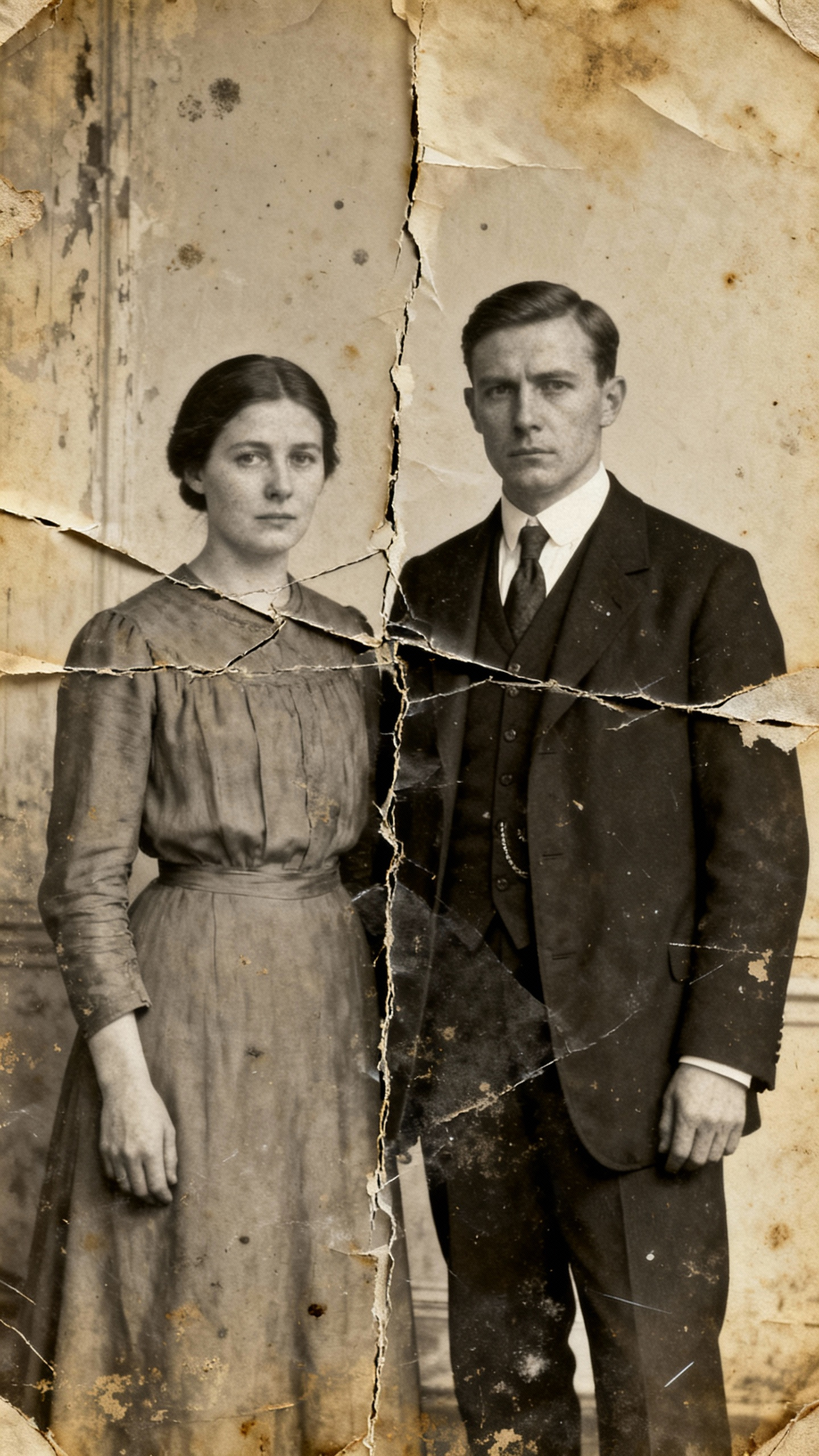
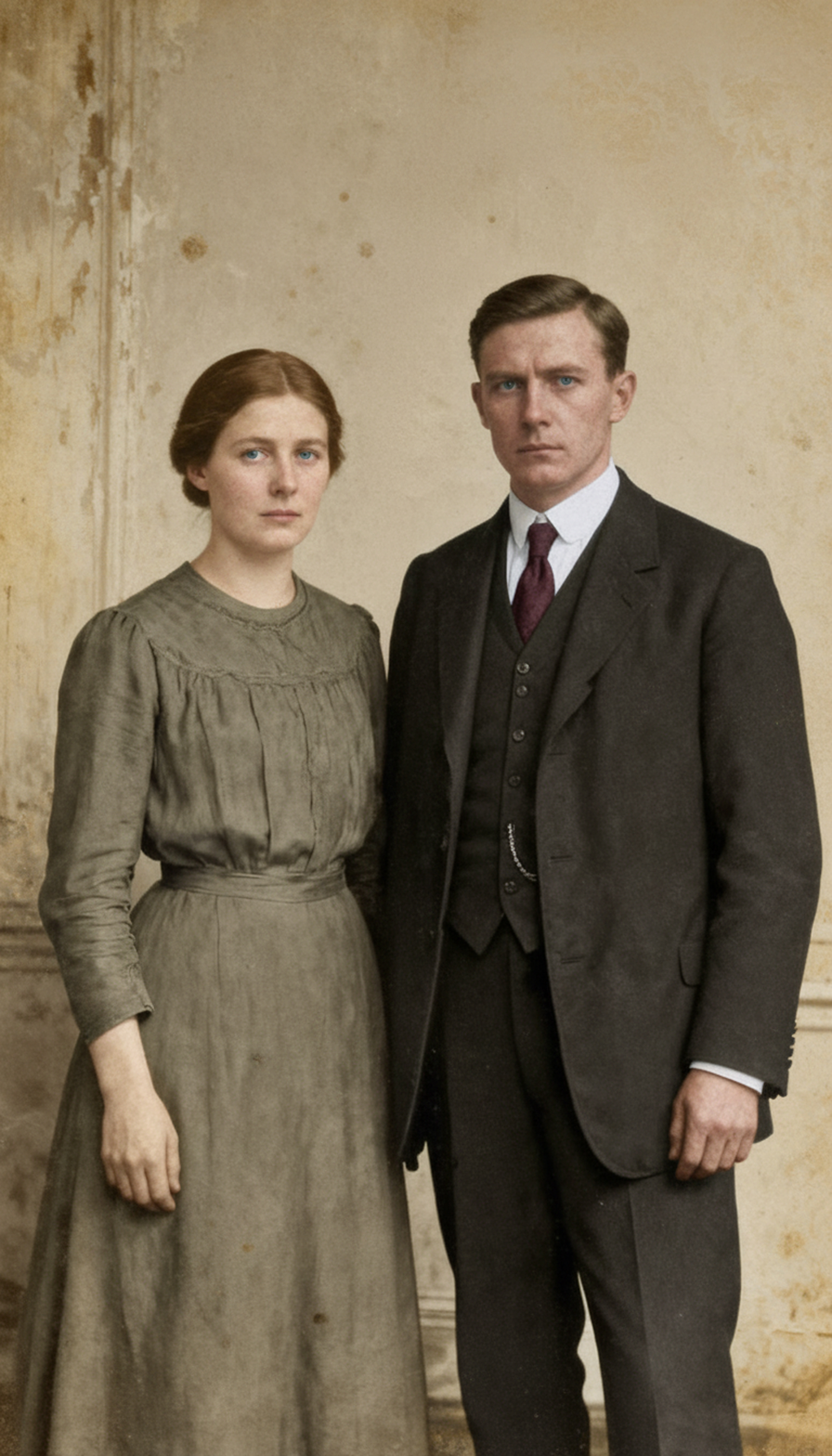
Digital photo restoration is the process of scanning old photos and using software to fix them. While this used to require expensive tools, apps like Nostalgia AI make it easy for anyone. You can start by colorizing black and white images or instantly removing cracks and scratches. But the real magic is in the "bring photos to life" feature, which animates faces. It’s a fantastic way to get younger family members excited about their heritage, turning a dusty photo album into an interactive experience.
Original Scan
Restored with AI
Ready to bring your own memories to life?